Please follow our instructions to renew your membership
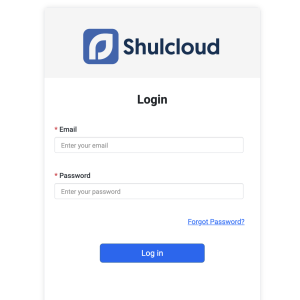
Step 1 – Login to your ShulCloud account. CLICK HERE TO LOG IN
Step 2 – Please enter your information in the login form.
If you don’t remember your password, click “Forgot Password” on the login page.
Step 3 – After you log in, your general information will be automatically populated in the renewal form. CLICK HERE TO GO TO THE RENEWAL FORM
Step 4 – Please fill out the form.
Contact us at office@kehillatbethisrael.com or call 613-728-3501